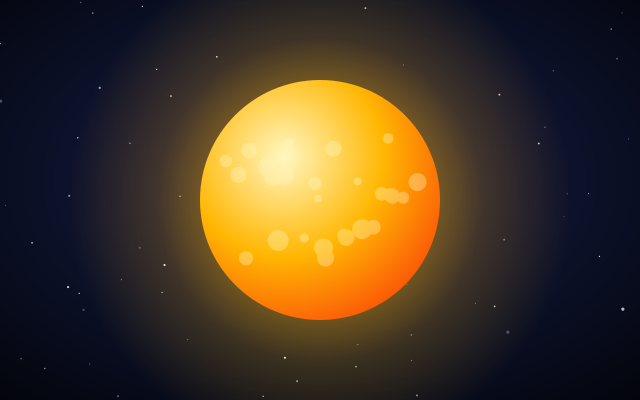
 Star
The Sun
G-type main-sequence star
Our home star. Fly close in a universe simulator to watch granulation and the corona glow.
- Diameter: about 1.39 million km
- Surface temperature: about 5,500 °C
- Age: about 4.6 billion years
Generate your own planet in seconds, download original space wallpapers, and set up Space Engine the right way with clear guides and links to official sources only.
Space Engine is a remarkable piece of software: a realistic space simulator that lets you fly from the surface of Mars to the edge of the observable universe without a single loading screen. It also has a learning curve, scattered documentation, and plenty of unsafe download sites claiming to offer it for free.
SpaceEngine.net exists to fix that. We publish plain-English tutorials, verified system requirements and troubleshooting steps. We also send you only to official sources for the program itself. Alongside the guides, we built free tools that run in your browser, like the procedural planet previewer and original wallpaper packs.
The site is for students meeting astronomy for the first time, teachers planning a classroom demo, YouTubers looking for better footage, and anyone who simply loves exploring the universe.
Space Engine builds uncharted worlds from a seed. This previewer does the same thing in your browser: type any name and a unique planet is generated from it on the spot. Save it as a PNG, or grab free wallpaper packs below.
These stats are made up from the name you typed, for fun and inspiration. They do not describe a real planet.
18 real objects, each with original artwork and a fact sheet. Free ZIP downloads.
Star
G-type main-sequence star
Our home star. Fly close in a universe simulator to watch granulation and the corona glow.
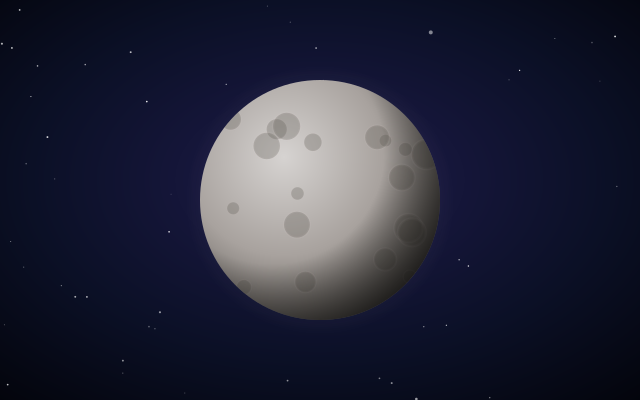 Rocky body
Terrestrial planet
The smallest planet, heavily cratered and baked on the day side.
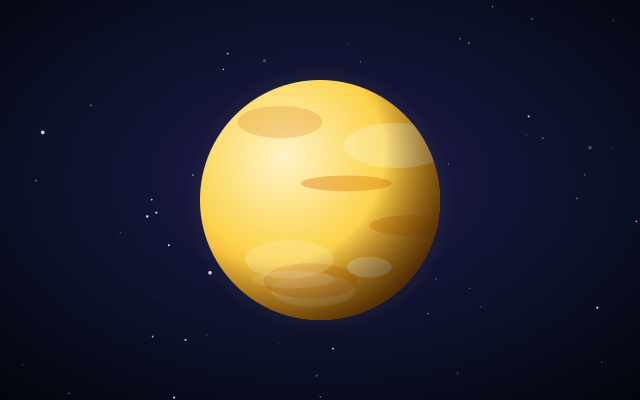 World
Terrestrial planet
Wrapped in thick sulfuric clouds, Venus is the hottest planet in the Solar System.
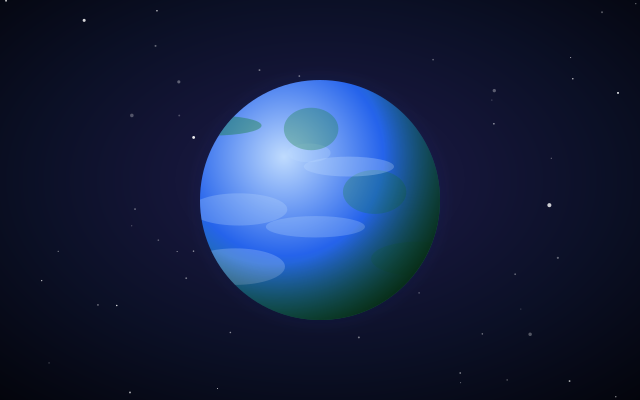 World
Terrestrial planet
The only world known to host life. A good first stop for checking terrain detail.
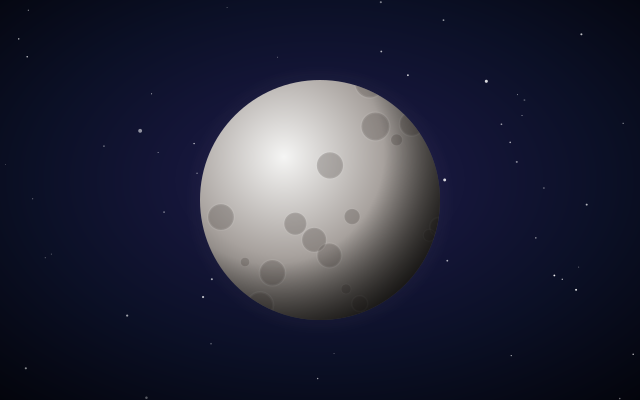 Rocky body
Natural satellite of Earth
Earth's companion, covered in maria and craters that look stunning at a low sun angle.
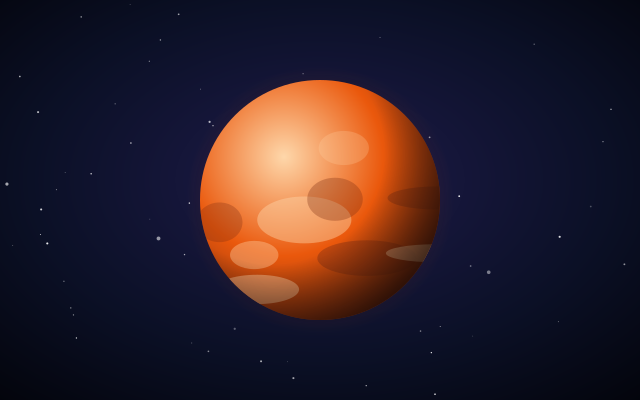 World
Terrestrial planet
The red planet, with giant canyons, polar caps and dusty plains.
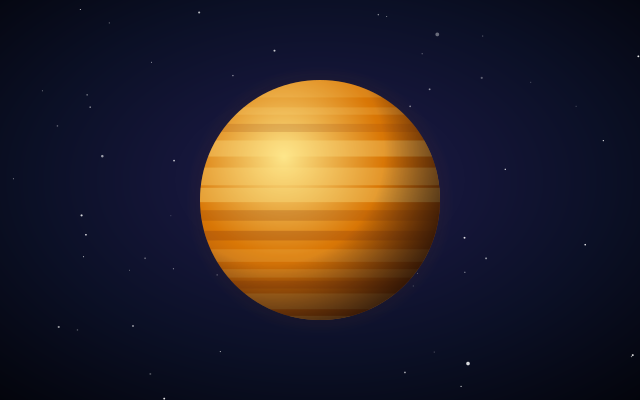 Giant
Gas giant
The largest planet, striped with cloud belts and stormy zones.
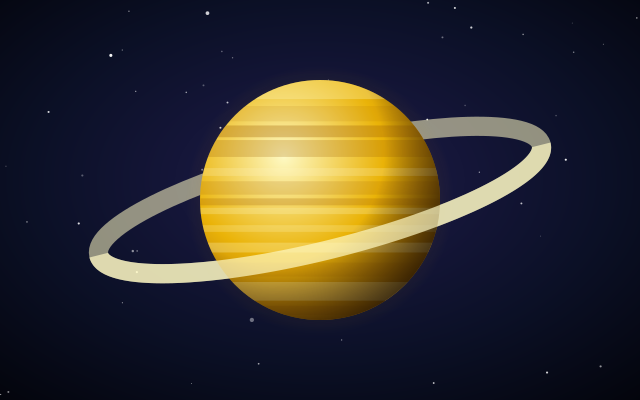 Giant
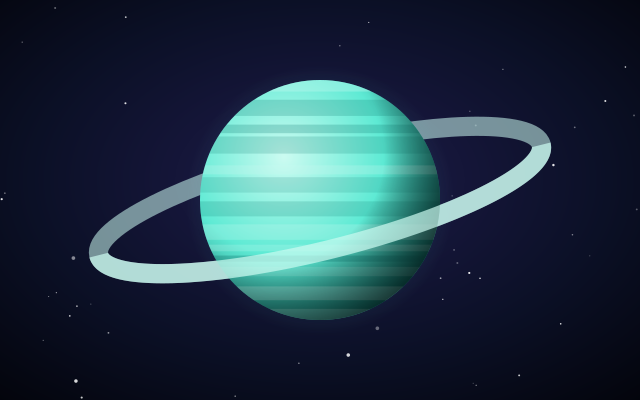
Gas giant with rings
The ringed giant. Its ring shadows make it a favorite for screenshots.
 Giant
Ice giant
An ice giant that spins on its side, giving it extreme seasons.
 Giant
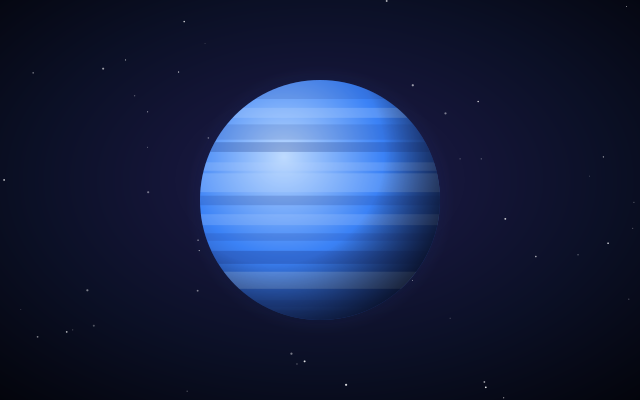
Ice giant
The deep blue outer planet, with supersonic winds and a retrograde moon.
 Rocky body
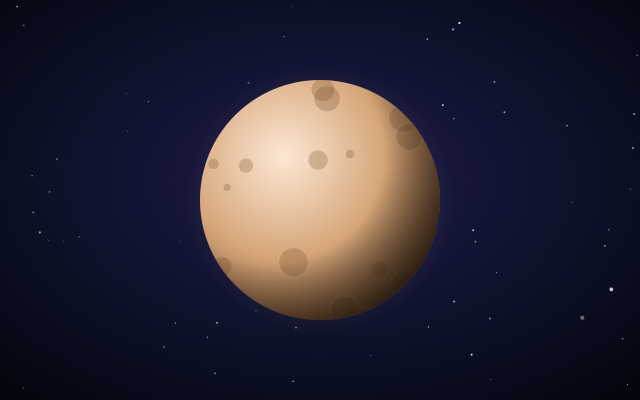
Dwarf planet
A dwarf planet in the Kuiper Belt, mapped in detail by New Horizons in 2015.
 Rocky body
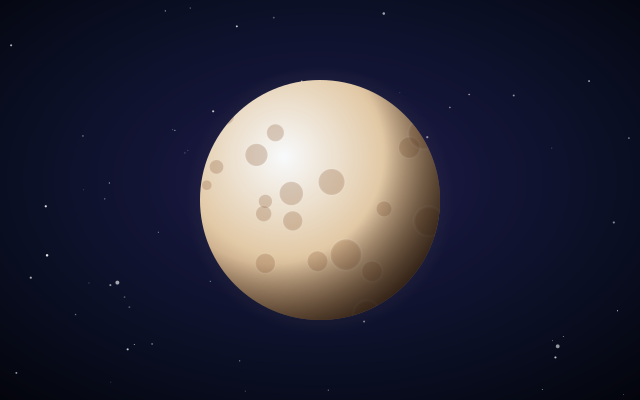
Moon of Jupiter
An icy moon that may hide a global ocean beneath its cracked shell.
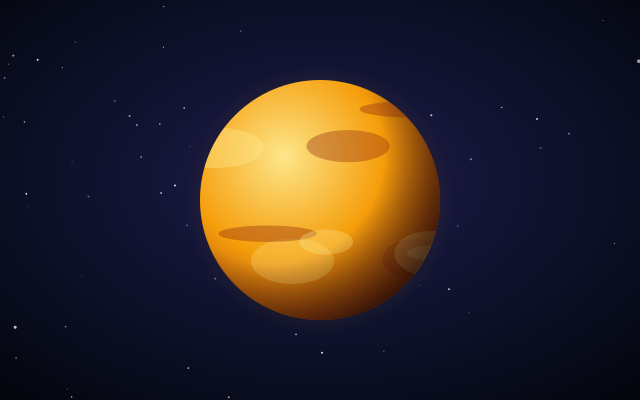 World
Moon of Saturn
A hazy orange moon with weather, rivers and seas of liquid hydrocarbons.
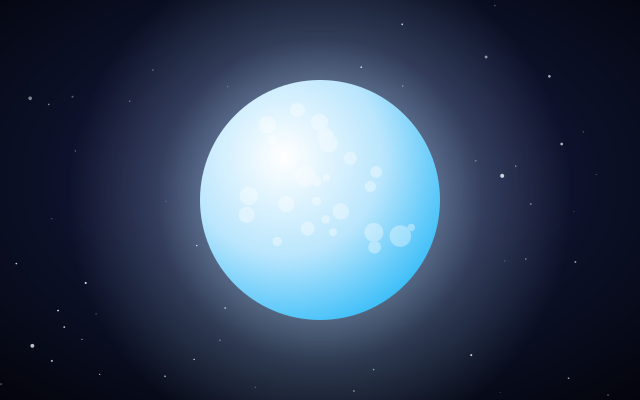 Star
Binary star system
A brilliant white star with a tiny white dwarf partner.
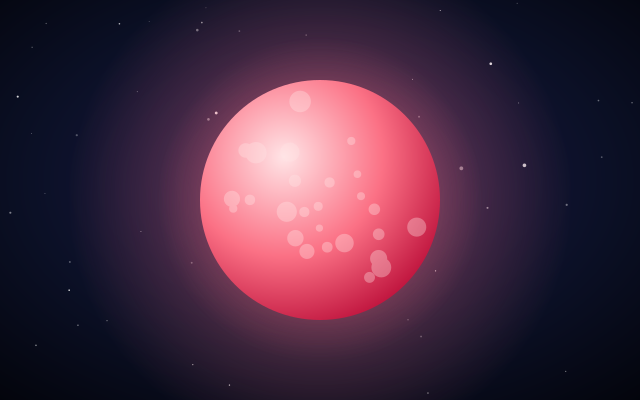 Star
Red supergiant
A swollen red supergiant in Orion, large enough to engulf the orbit of Mars.
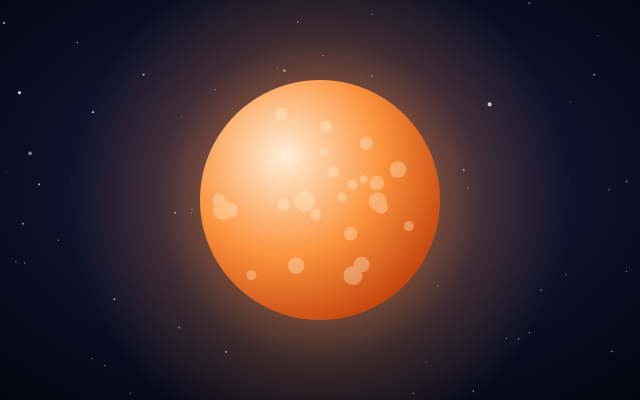 Star
Red dwarf
The closest star to us, a small red dwarf with at least one known planet.
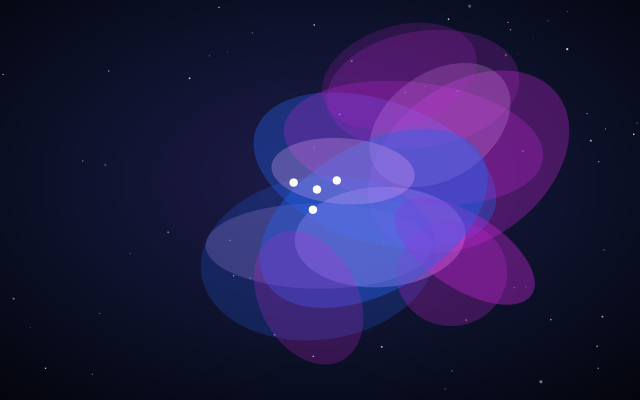 Nebula
Emission nebula (M42)
A glowing cloud of gas where new stars are forming right now.
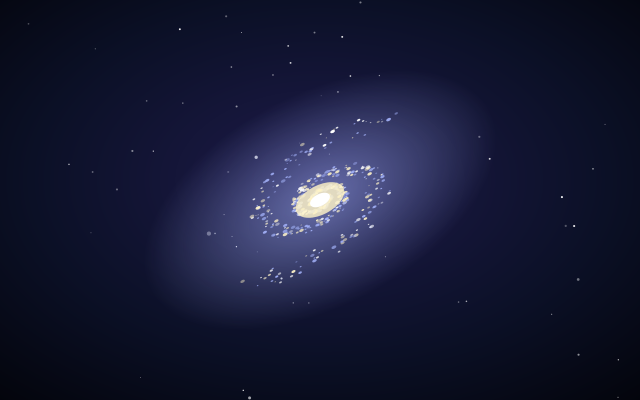 Galaxy
Spiral galaxy (M31)
Our large galactic neighbor, a spiral of hundreds of billions of stars.
No objects match this filter.
Accurate details about the desktop universe simulator, so you know what you are installing before you click. We link only to official sources.
| Component | Minimum | Recommended |
|---|---|---|
| Operating system | Windows 10 (64-bit) | Windows 10 (64-bit) |
| Processor | Intel Core i3-3220T / AMD FX-4100 | Intel Core i5-4430 / AMD FX-8350 |
| Memory | 6 GB RAM | 8 GB RAM |
| Graphics | GeForce GTX 1050 Ti / Radeon RX 460 (4 GB) | GeForce GTX 1060 (5/6 GB) / Radeon RX 480 (8 GB) |
These buttons take you to the official sources. We never host or modify the Space Engine installer.
The highlights that set the simulator apart, and the extras this website adds on top.
Fly from a planet's surface to intergalactic space without loading screens. Distances and sizes follow real astronomical scale.
Beyond the cataloged sky, billions of galaxies, stars and planets are generated from rules, so there is always somewhere new to explore.
Known stars, exoplanets, nebulae and galaxies are loaded from scientific catalogs, which makes it a strong astronomy simulator for study.
Speed up, pause or reverse time to watch orbits, eclipses and planetary rotation unfold, just like a solar system simulator.
Atmospheres, rings, clouds and volumetric nebulae produce scenes good enough for wallpapers, art references and video.
Our planet previewer, wallpaper packs and printable checklists add practical value before and after you install the program.
Five quick steps take you from this page to your first flight through the galaxy.
Enter any word in the previewer. Your name becomes a seed, and a unique world appears instantly.
Change size, surface detail, atmosphere, rings and moon, then download your planet as a PNG image.
Pick any of 18 real objects and download its ZIP, or use Download All to get every pack in one file.
Compare your graphics card and memory with the requirements table to see how Space Engine will run.
Use our buttons to reach Steam or spaceengine.org, install, then follow the beginner guide for your first flight.
If something goes wrong, the troubleshooting article covers crashes, lag and black screens.
Clear details about every file on this site, and how the Space Engine program download works.
Wallpaper packs come as standard ZIP archives. Planet previews save as PNG images.
SVG wallpapers (desktop and mobile), TXT fact sheets and license, a CSV log template and PNG.
Our files work on Windows, macOS, Linux, Android and iOS. Space Engine itself needs 64-bit Windows.
Current versions of Chrome, Edge, Firefox and Safari run the previewer and open SVG files.
No executables are hosted. Program links point only to Steam and spaceengine.org.
Our artwork is free for personal use. Space Engine is commercial software owned by its developer.
Where the desktop simulator runs, and where the tools on this website work.
| Platform / browser | Space Engine program | Our tools & downloads |
|---|---|---|
| Windows | Yes 64-bit Windows 10/11 | Yes |
| macOS | No No native version | Yes |
| Android | No No official app | Yes |
| iOS | No No official app | Yes |
| Chrome | Not applicable | Yes |
| Edge | Not applicable | Yes |
| Firefox | Not applicable | Yes |
| Safari | Not applicable | Yes |
Space Engine is a desktop program and does not run inside a web browser. Linux users sometimes report success with Steam's Proton layer, but this is not officially supported. Read the full compatibility guide.
Whatever brought you here, the tools and guides fit straight into your work.
Use scalable SVG space art and generated planets as backgrounds, mood boards and references.
Understand planet sizes and distances, and keep a structured observation log for assignments.
Point readers to a safe, accurate resource when they ask where to get the space simulator.
Use verified requirements and fact sheets as a reliable starting point for astronomy posts.
Plan Space Engine footage with our usage ideas, and brainstorm planet names for thumbnails and stories.
Study a clean, dependency-free example of seeded procedural generation running on canvas.
Practical tutorials on downloading, setting up and getting more from the space exploration software.
A practical walkthrough of Space Engine controls, navigation, time speed and saving locations, written for people opening the simulator for the first time.
Read MoreWhere to download Space Engine safely, what the Steam and legacy versions include, and a step-by-step installation checklist for Windows PCs.
Read MorePractical ways people use Space Engine: astronomy study, classroom demos, wallpapers, YouTube footage, worldbuilding and relaxing space exploration.
Read MoreNew to Space Engine? Learn which graphics and interface settings to change first for smooth performance, sharp planets and comfortable exploration.
Read MoreWhich devices can run Space Engine? A clear compatibility guide covering Windows, macOS, Linux, Android, iOS, graphics cards and laptops.
Read MoreFix common Space Engine problems including crashes on launch, black screens, low frame rates, blurry planets and missing addons with these tested steps.
Read MoreUnderstand the files around Space Engine: script catalogs, packed addons, screenshots and the SVG, TXT and CSV formats used in our free download packs.
Read MoreIs Space Engine safe to download, and what does its license allow? A plain-English look at official sources, piracy risks and using screenshots.
Read MoreQuick answers about the simulator, this website and its downloads.
Space Engine is a 3D universe simulator for Windows that models the known universe at real scale, from planet surfaces to galaxy clusters. Real objects come from astronomical catalogs, and the unexplored regions are filled using procedural generation.
The current version (0.990 series) is a paid program on Steam. The older 0.980 release from 2016 is offered free on the developer's official website. It is a good introduction, but it lacks years of improvements.
No. Space Engine officially supports 64-bit Windows only. There is no official macOS, Linux, Android or iOS version, so treat mobile apps using the name with caution.
Steam lists 64-bit Windows 10, 6 GB of RAM and a 4 GB graphics card such as a GTX 1050 Ti or RX 460 as the minimum. A GTX 1060 or RX 480 with 8 GB of RAM is recommended for smoother results.
No. SpaceEngine.net is an independent fan and resource website. It is not affiliated with Cosmographic Software. The official website is spaceengine.org, and the current program is sold on Steam.
Yes. Flying between real planets and stars makes size, distance and orbital motion much easier to grasp than reading numbers. Teachers often use it for classroom demonstrations.
Your text is turned into a numeric seed. That seed drives a noise algorithm which decides the planet type, colors, terrain, rings and stats. The same name always produces the same planet, which is the same idea Space Engine uses for uncharted worlds.
Each ZIP contains a 1920 × 1080 desktop wallpaper and a 1080 × 1920 mobile wallpaper as scalable SVG files, a plain-text fact sheet about the object, and a short license file.
Yes. Our packs contain only SVG images and plain-text files, with no executable code. Requests are validated on the server, and the Space Engine program buttons redirect only to Steam or the official website.
Yes. Every pack includes a portrait version for phones. SVG opens in any modern mobile browser. If your phone needs a PNG or JPG, open the file in a browser and save a screenshot, or convert it with an image editor.
The artwork is free for personal use, such as wallpapers, study notes and school projects. For commercial use, contact us first. Space Engine screenshots are a separate matter and follow the developer's terms.
We never host the Space Engine installer. Downloading copyrighted software from unofficial mirrors is risky and unfair to the developer, so we send you straight to the official store page or website.
Get the simulator from an official source, then come back for guides, fixes and free tools whenever you need them.